Rib fractures
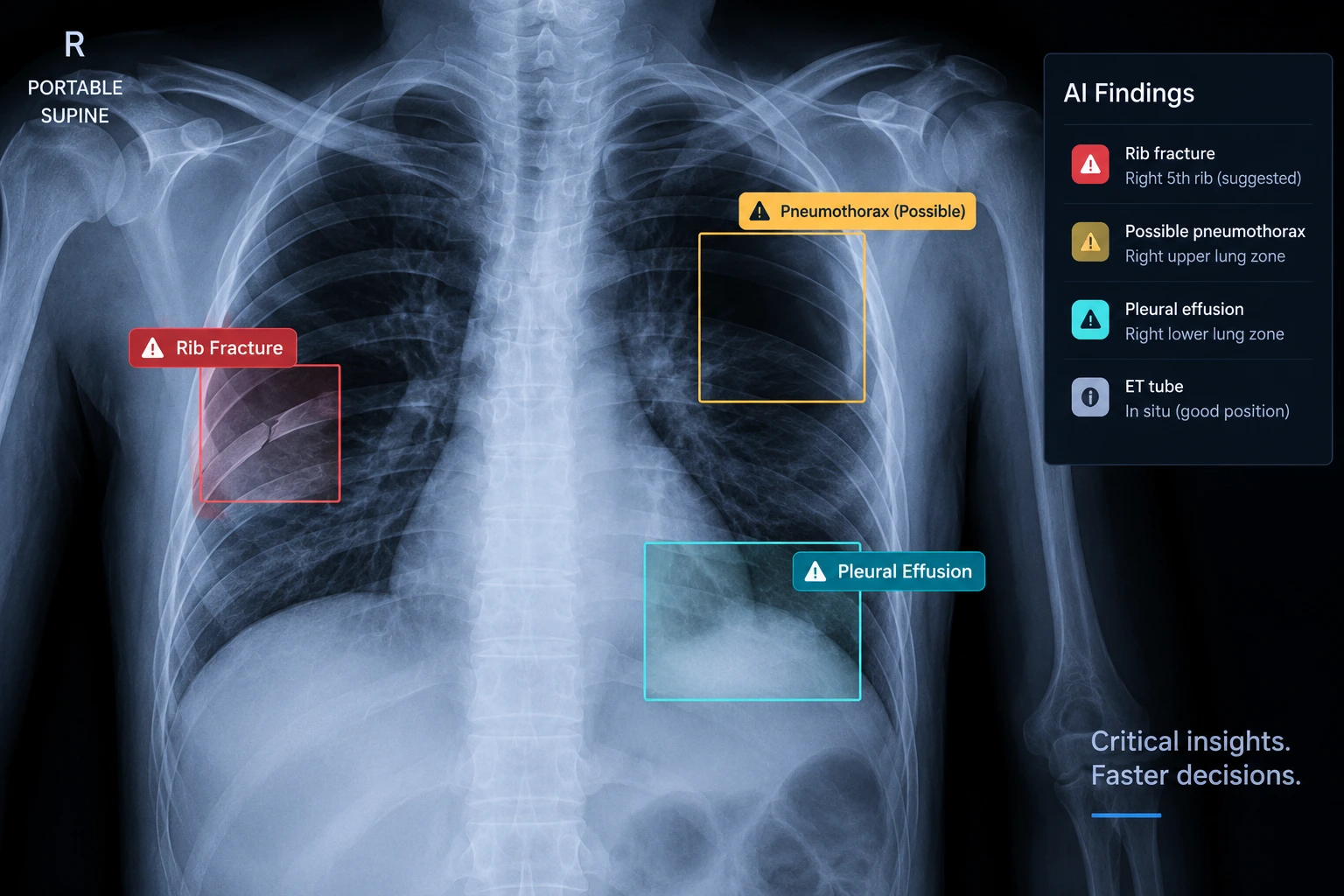
Bring suspected osseous injury to the reviewing specialist’s attention.

EMERGENCY / CRITICAL CARE
Support review of critical findings in emergency and ICU imaging, with clinical flags that connect the study to the appropriate team.
CLINICAL FOCUS
Bring suspected osseous injury to the reviewing specialist’s attention.
Highlight a possible pneumothorax for urgent clinical review.
Organise pleural findings within the critical-care imaging assessment.
Support review of tube position in the wider imaging and clinical context.
FROM FINDING TO ACTION
DESIGNED TO SUPPORT
Route flagged cases to emergency teams, ICU departments and relevant specialists for prompt assessment.
See the connected workflowAI output supports qualified clinical review. Diagnosis, treatment decisions and confirmatory assessment remain with the care team. Modality and model availability are confirmed during implementation.
IMPLEMENTATION
Prepare your requirements for imaging equipment, reporting, referrals and integration before a technical discussion.